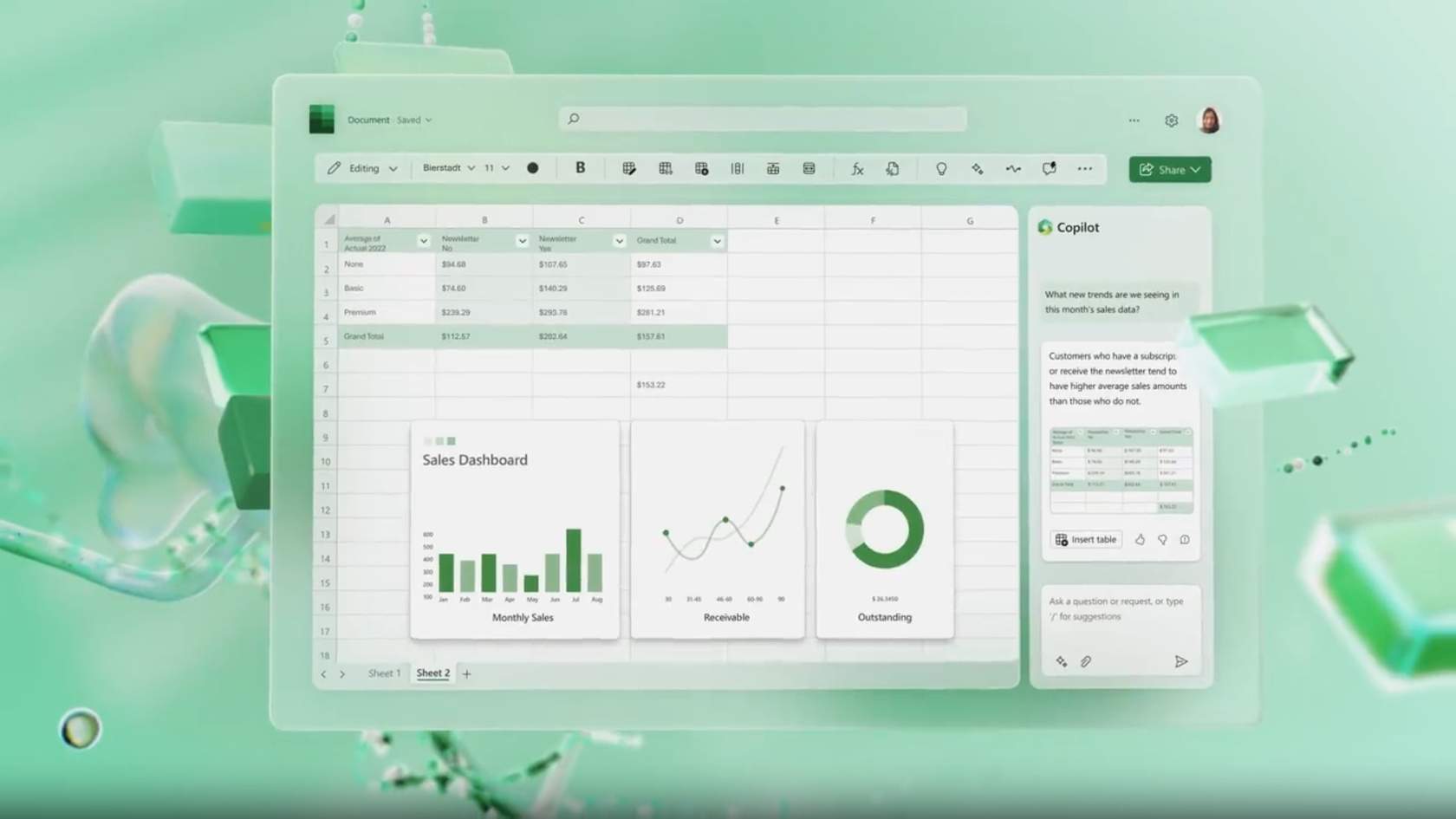
Using Microsoft Copilot in Excel
Your teams handle large volumes of data under time pressure… but risk automating without verification or interpreting results without proper review?
This module delivers a clear and structured method to use Microsoft Copilot in Excel as an analytical assistant — not as a replacement for business expertise.
It can be followed:
- ✅ Independently, to help your teams analyze data faster while ensuring reliable results;
- 🤝 Alongside a CreativMinds support program, to integrate Copilot into a structured reporting and data optimization strategy.
Learning Objectives
By the end of this training, participants will be able to:
- Understand what Microsoft Copilot can and cannot do in Excel
- Analyze datasets to extract key trends and insights
- Generate and interpret formulas based on specific needs
- Create relevant charts aligned with analytical objectives
- Automate simple actions such as sorting or removing duplicates
- Apply best practices for reviewing and validating results before sharing
Program
- Role and positioning of Microsoft Copilot in Excel
- Data analysis to identify trends and key insights
- Creating formulas from natural language requests
- Visualizing data through appropriate charts
- Automating simple actions (sorting, filtering, duplicate removal)
- Best practices: clear prompts, step-by-step workflow, result validation
- Effective vs. risky behaviors when using Copilot
- Professional scenario: analyzing quarterly sales data
- Final data and result verification before distribution