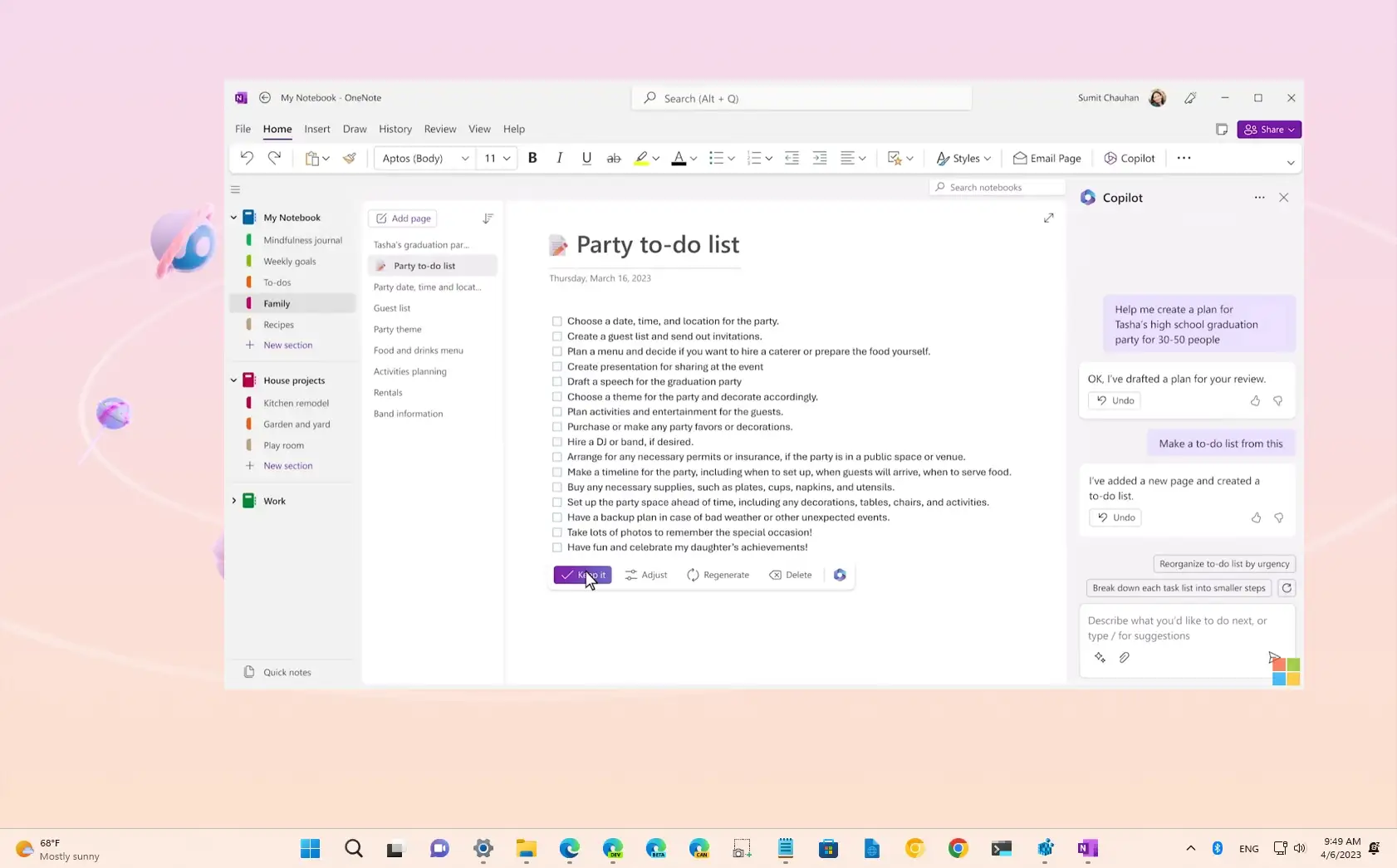
Using Microsoft Copilot in OneNote
Your OneNote pages keep growing, but finding and restructuring information takes too much time?
This module provides a clear and structured method to use Microsoft Copilot in OneNote as an organization and structuring assistant, without replacing your logic or expertise.
It can be followed:
- ✅ Independently, to help teams better leverage their notes and improve individual efficiency;
- 🤝 Alongside a CreativMinds support program, to integrate Copilot into a broader information management and productivity strategy.
Learning Objectives
By the end of this training, participants will be able to:
- Understand what Microsoft Copilot can and cannot do in OneNote
- Structure an existing note page
- Summarize long notes into key points
- Merge multiple pages into a coherent synthesis
- Improve and reformulate notes for clarity
- Choose the most relevant Copilot action depending on the context
- Apply best practices for review and validation before sharing
Program
- Role and positioning of Microsoft Copilot in OneNote
- Core features: generation, summarization, synthesis, reformulation
- Copilot limitations and the importance of human validation
- Understanding OneNote structure: notebooks, sections, pages
- How structure impacts the quality of generated results
- Step-by-step usage: selecting the right page, opening Copilot, writing clear prompts
- Adjusting and validating generated content
- Best practices for effective note management
- Professional scenario: structuring and synthesizing project notes