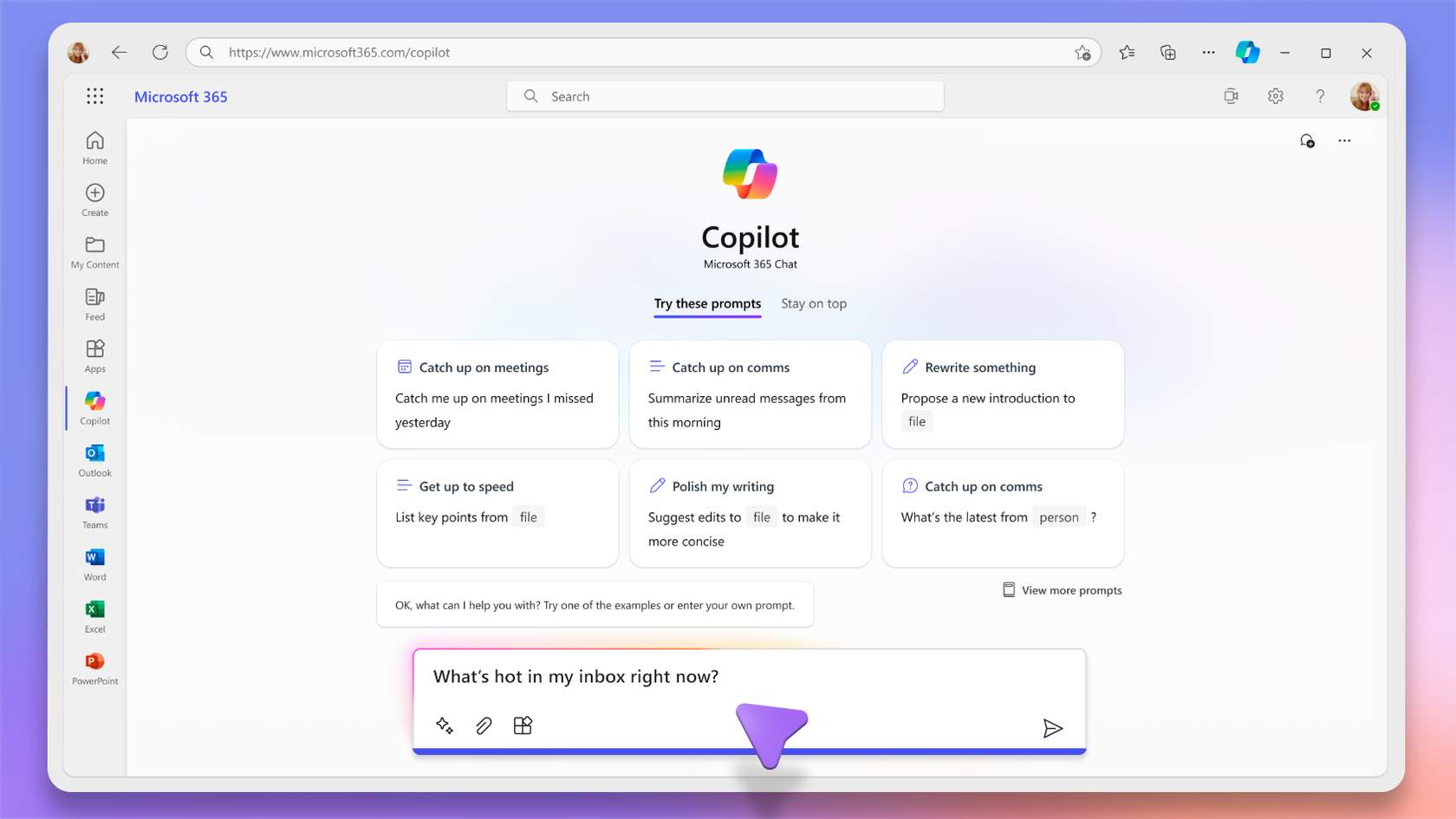
Introduction to Copilot Chat
Your teams use Copilot in individual apps… but still spend time navigating between meetings, emails, and documents to build a complete picture?
This module provides a clear understanding of Copilot Chat’s strategic role and a practical method to use it as an intelligent cross-application hub.
It can be followed:
- ✅ Independently, to help teams centralize information and immediately improve efficiency;
- 🤝 Alongside a CreativMinds support program, to integrate Copilot Chat into a broader Microsoft 365 optimization and transformation strategy.
Learning Objectives
By the end of this training, participants will be able to:
- Understand the difference between integrated Copilot and Copilot Chat
- Navigate the Copilot Chat interface effectively
- Identify when to use Copilot Chat instead of an integrated Copilot
- Craft analysis, writing, and synthesis prompts adapted to context
- Leverage multi-application context (Teams, Outlook, SharePoint, OneDrive)
- Work iteratively to refine conversational outputs
- Apply best practices for structured and effective AI conversations
Program
- Positioning Copilot Chat within Microsoft 365
- Differences between integrated Copilot and Copilot Chat
- Full interface overview: conversations, agents, apps, content creation
- Understanding specialized agents
- The three main prompt families: analysis, writing, synthesis
- Best practices for clear and contextualized requests
- Iterative workflow and progressive refinement
- Practical scenario: transforming a Teams meeting into a multi-source synthesis
- Understanding the limits of integrated Copilot in cross-app scenarios
- Professional reflexes for strategic usage