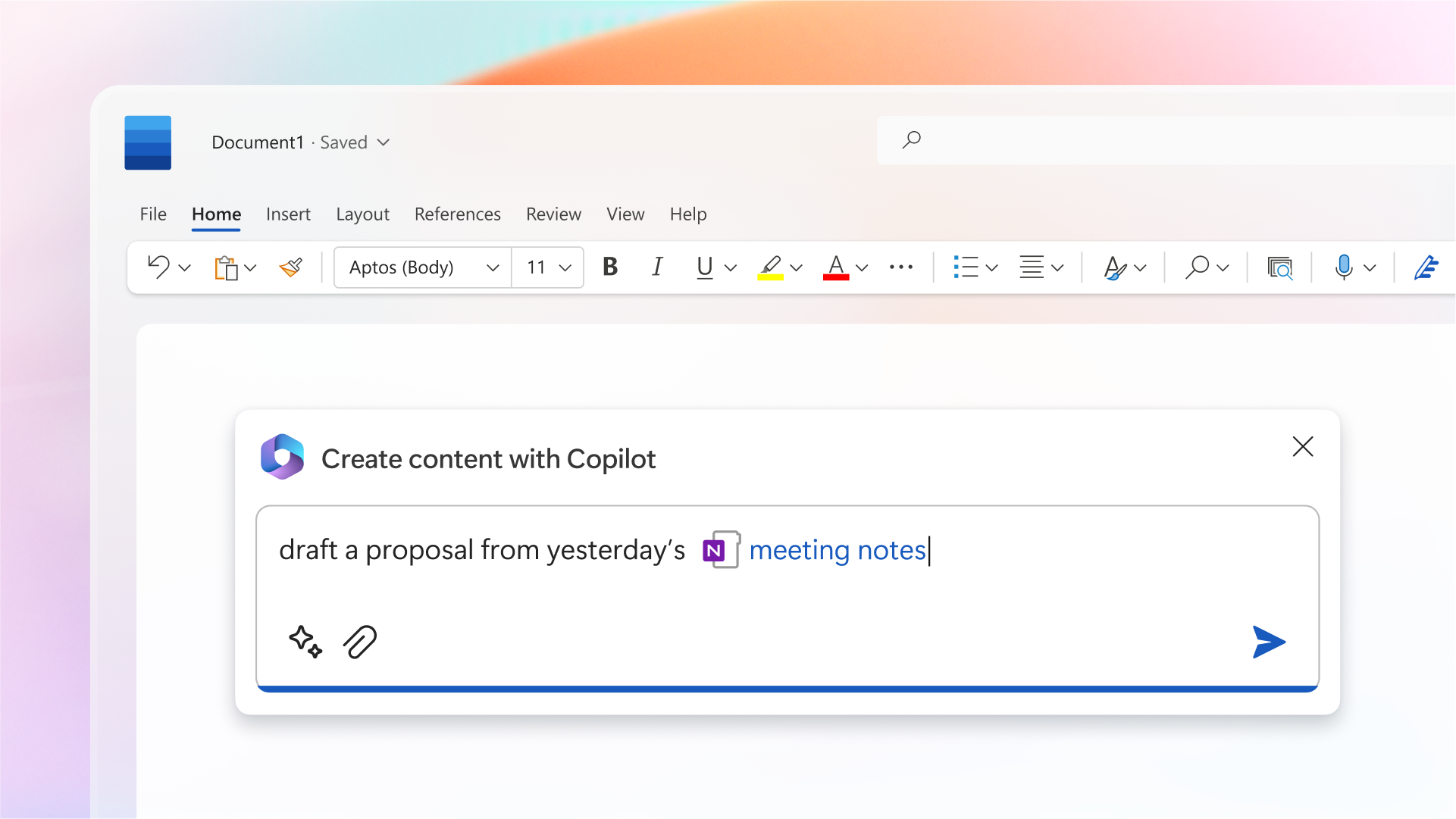
Using Microsoft Copilot in Word
Your teams write reports, summaries, and strategic documents under pressure… but either underuse Copilot or rely on it too blindly?
This module provides a practical and structured method to use Microsoft Copilot in Word effectively and responsibly.
It can be followed:
- ✅ Independently, to immediately improve writing quality and productivity;
- 🤝 Alongside a CreativMinds support program, to integrate Copilot into a structured document workflow optimization strategy.
Learning Objectives
By the end of this training, participants will be able to:
- Understand what Microsoft Copilot can and cannot do in Word
- Generate a structured draft adapted to a professional context
- Reformulate and summarize targeted sections without affecting the entire document
- Adjust tone and style according to audience expectations
- Apply best practices for review and validation
- Identify the most relevant use cases depending on the situation
Program
- Role and positioning of Microsoft Copilot in Word
- Generating a structured first draft using precise prompts
- Targeted paragraph reformulation for clarity and conciseness
- Summarizing documents with controlled level of detail
- Adjusting tone and style according to audience
- Best practices: precise prompts, step-by-step workflow, human validation
- Effective vs. ineffective behaviors when using Copilot
- Professional scenario: drafting a marketing report
- Data management considerations and handling sensitive information
- Advanced features: structuring information into tables and reusing existing content