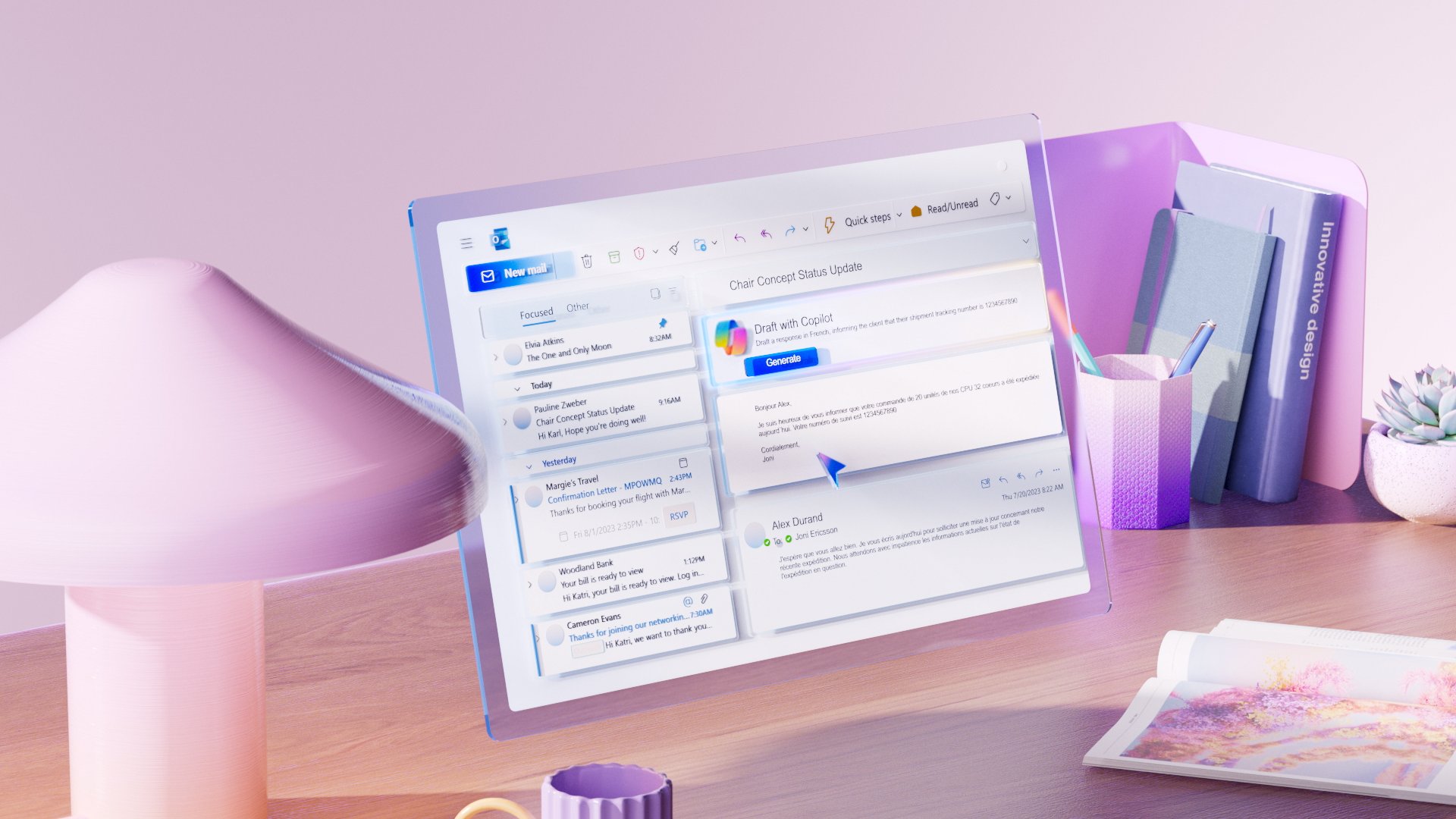
Using Microsoft Copilot in Outlook
Your teams spend significant time managing emails, long threads, and meeting invitations… risking rushed responses or missed key information?
This module provides a clear and structured method to use Microsoft Copilot in Outlook as a communication assistant while remaining fully responsible for the messages sent.
It can be followed:
- ✅ Independently, to help your teams optimize email management and structure responses more effectively;
- 🤝 Alongside a CreativMinds support program, to integrate Copilot into a broader communication and collaboration improvement strategy.
Learning Objectives
By the end of this training, participants will be able to:
- Understand what Microsoft Copilot can and cannot do in Outlook
- Draft or reformulate emails based on clear instructions
- Summarize email threads to extract decisions and action points
- Clarify complex situations before replying
- Use Copilot to prepare meeting organization
- Apply best practices for review and validation before sending messages
Program
- Role and positioning of Microsoft Copilot in Outlook
- Drafting and reformulating emails with tone adjustment
- Summarizing discussion threads to identify key decisions and actions
- Clarifying complex exchanges before responding
- Preparing and organizing meetings from email exchanges
- Best practices: clear prompts, step-by-step workflow, human validation
- Effective vs. risky behaviors when using Copilot
- Professional scenario: managing inbox complexity and decision-making
- Final review of emails and invitations before sending